
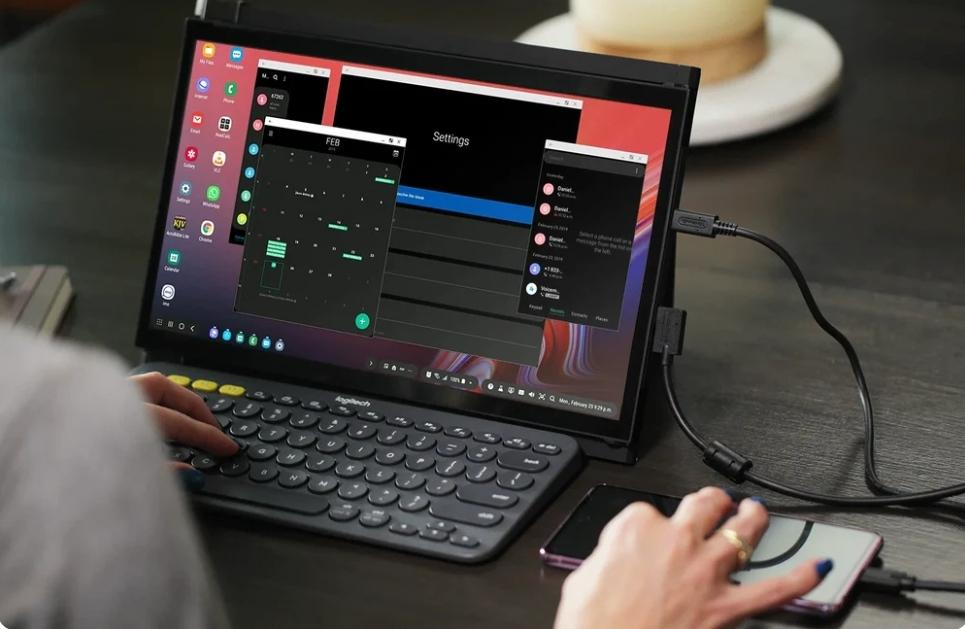
Starting a project in the driver’s seat can feel kinda daunting. Especially when the whole thing expects you to juggle complex spreadsheets and client emails on a single laptop inside a moving vehicle, which ramps up mental fatigue fast and pretty much kills your daily output.
This is where smart tools like the Mobile Pixels portable monitor instantly help you escape that digital claustrophobia. This responsive second display makes working from your mobile workspace feel much closer to a spacious, traditional office setup.
Ready to upgrade your mobile setup?
The Mobile Desktop Advantage
Staying productive while parked in a vehicle requires an efficient workflow. Setting up a lightweight portable monitor next to the steering wheel instantly unlocks key practical advantages for your daily professional tasks:
- Double the Screen Real Estate: Running a secondary display prevents messy visual clutter when you are comparing complex client invoices or checking live GPS route maps. This simple addition helps you maintain focus during demanding mobile work sessions.
- Separation of Communications: Keeping your client chat or urgent emails open on one side lets your main creative work focus occupy the main laptop screen, preventing constant switching between tabs.
- Real-Time Data Analysis: Viewing field telemetry or maps live on one side makes editing documents on your primary keyboard simple, which allows you to finalize mobile projects quickly.
The Power of Parallel Work While Parked
You Get True “Presenter View” Versatility
Sitting in the vehicle front seat with a potential client or a project partner often feels incredibly cramped. Using a dual-screen configuration allows you to rotate the extra display outward toward the passenger seat. This unique setup lets you present polished proposals or site maps while keeping your personal presenter notes completely hidden on your main laptop screen, making mobile client meetings look highly professional to every single person involved in the work.
Offers Split-Screen Speed and Efficiency
If you are a traveling developer or a remote freelance writer parked at a highway rest stop, you can easily compile complex code or write detailed articles on one display while analyzing reference documents on the other. Spacing out these tasks side-by-side reduces tab switching. This smart arrangement keeps your eyes comfortable and keeps your daily output high during long road trips taken across the entire country.
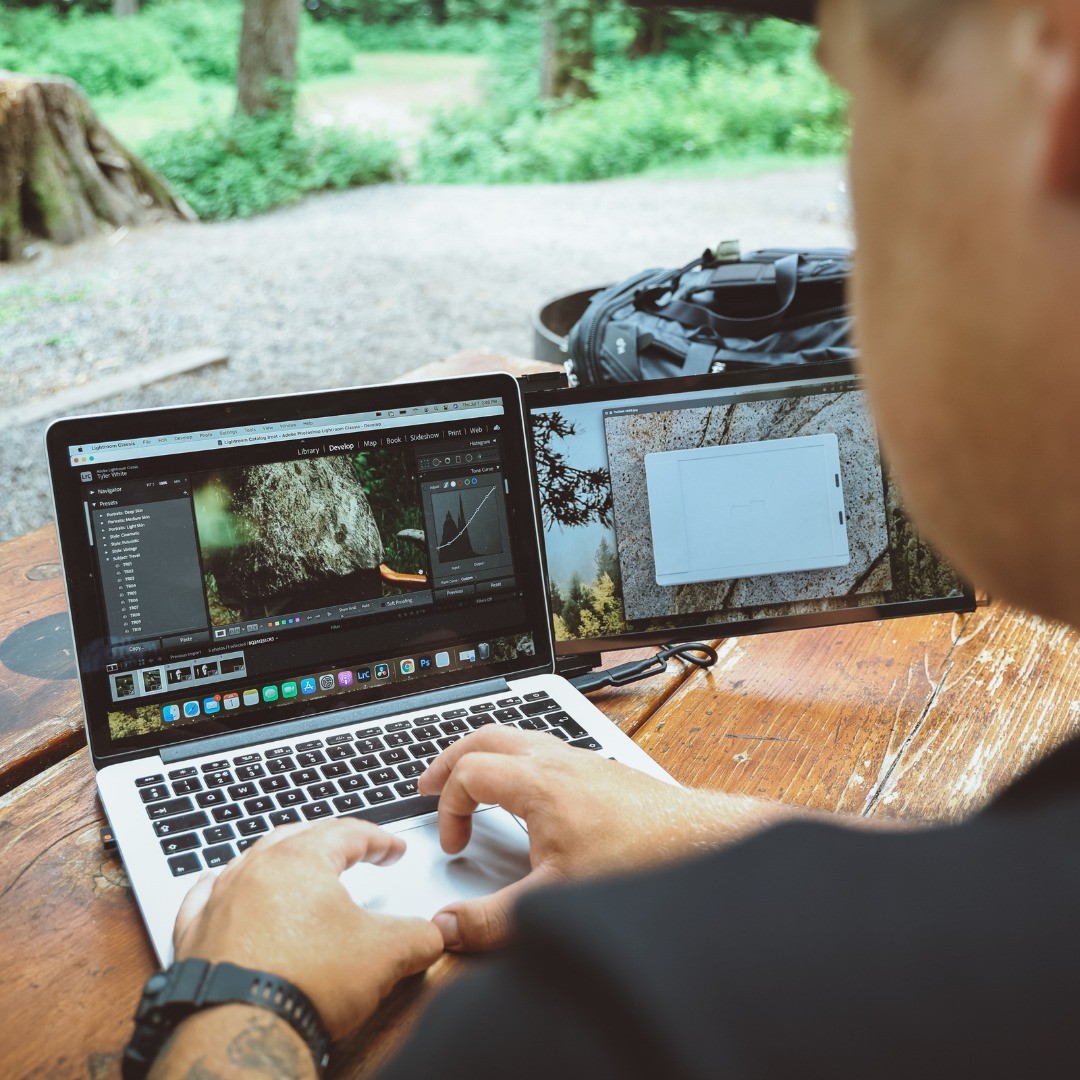
What Makes a Screen Road-Trip Ready?
Working inside a car requires specific hardware designed for tight physical automotive spaces. Not every extra screen is built to handle the constant, unpredictable movement of vehicle travel. When choosing a portable monitor for mobile professional use, focus strictly on road-ready features.
Look for devices that offer single-cable USB-C connectivity. This single cable minimizes dashboard cord clutter by drawing power directly from your computer. Additionally, select a lightweight display that weighs well under two pounds, allowing it to slide smoothly and easily into the passenger seatback pocket.
A built-in kickstand is another necessity, providing a stable, reliable foundation on your center console. Finally, prioritize a matte outer screen surface to prevent distracting sunlight glare through the vehicle windows, allowing you to focus on work without experiencing eye strain during long working hours parked in the car.
Transform Your Ride
Adding a second screen to your vehicle helps remove those workspace limitations and instantly turns the parked vehicle’s driver’s seat into a productive and professional desktop-style setup. Adding in an extra display can be a straightforward and very effective approach to building a more comfortable and more productive workspace, wherever your day-to-day professional tasks end up taking you.